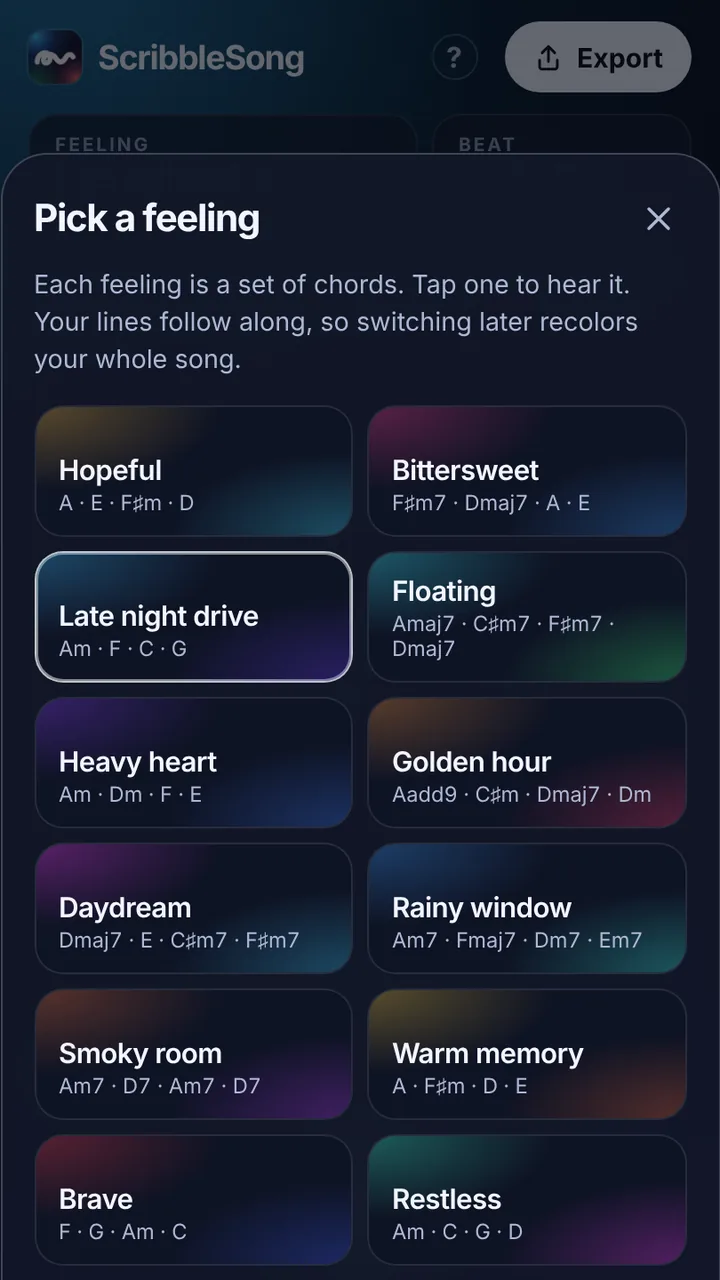
Each feeling is a set of chords. Tap one to hear it. Your lines follow along, so switching later recolors your whole song.
KeyMoves the whole song up or down. Your lines keep their shape.
Swap this chord
RhythmSplit this chord into quicker ones
Pick a beat
My beats
TempoFrom the groove and Speed
Speed
PumpThe music breathes with the kick
Energy
CalmBusy
Make a beat
Tap a step: always when the energy is up soft. Tap again to change it, or drag to paint.
Hear it atThe song's Energy
Drum kit
SwingStraight
StraightSwung
TempoWhere this beat starts. Pro tempo still wins.
Two barsA longer pattern
TripletsThree steps a beat, for a shuffle or 12/8 feel
Start from a beatCopies it onto the grid, ready to change
More sounds
Tap one to hear it in your song. It joins this layer's sounds.
No sound by that name for this layer.
Song parts
Main is your song. Add an intro, a bridge or an outro when you want more. Each part has its own lines and chords.
Whole song
Rounds
Rhythm
How often your next lines play a note. To change or move a line you already drew, press and hold it.
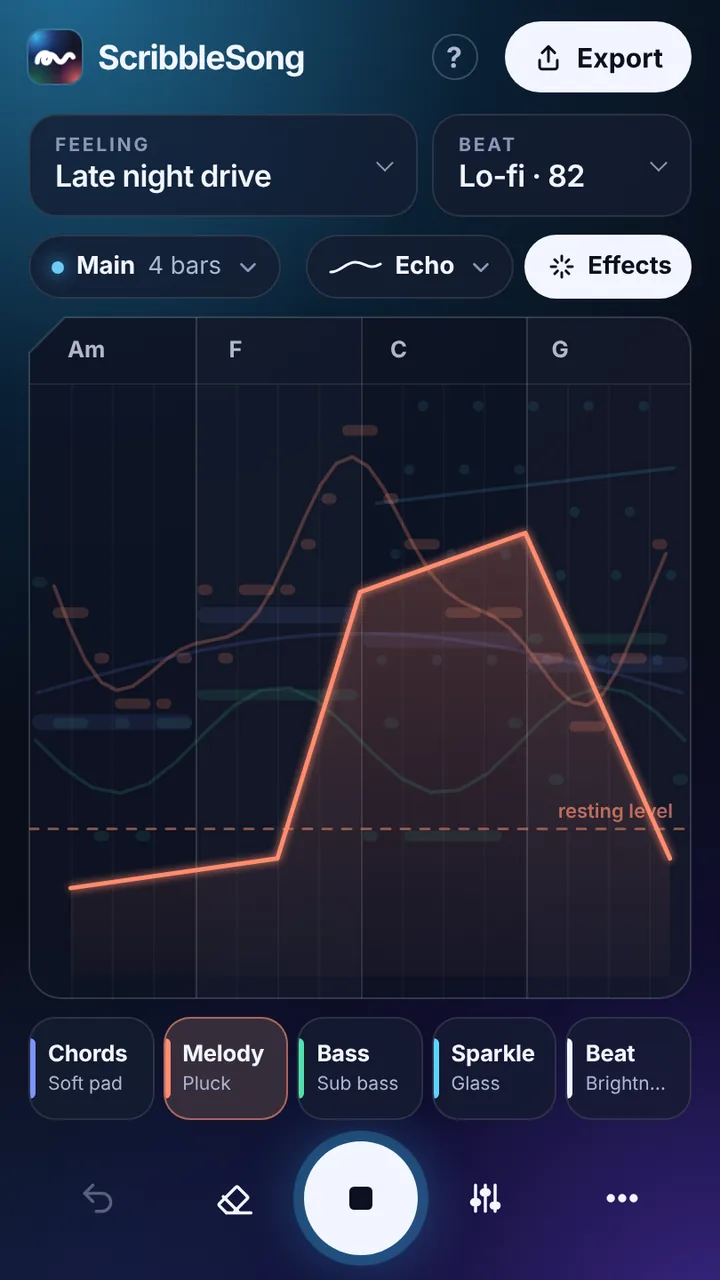
Draw an effect
Pick one, then draw it across the part. Higher means more. Drawing along the bottom turns it off. The dashed line is where it rests when nothing is drawn.
Layer
What it plays
Sound
Character
Only in this section
OctavePlay this layer lower or higher, a deeper 808, say
Playing styleStrums, picking and more in each line’s menu.
Exact notesEvery note plays exactly where you draw it, in the key, on a 16th grid. For a tune you know by heart, like a vocal guide.
GlideAlong a smooth line, notes slide into each other instead of stepping
Volume
Effects
SpaceHow much room it's in. Draw it in Effects to make it move.
Echo
Mix
Up to 8 layers. The eye hides a layer’s lines while you draw; it still plays.
Song
Start a new song
Undo brings your current song back.
Pro tools
Pro toolsSections of any length in any order, stops, drum rolls, risers and crashes, an exact tempo, a layer’s octave
Song file
One file with everything in this song: the drawing, its sounds and voice takes. AirDrop it to your iPad or keep it in Files.
Pick a feeling.It sets the chords. Everything you draw follows them, so nothing sounds wrong.
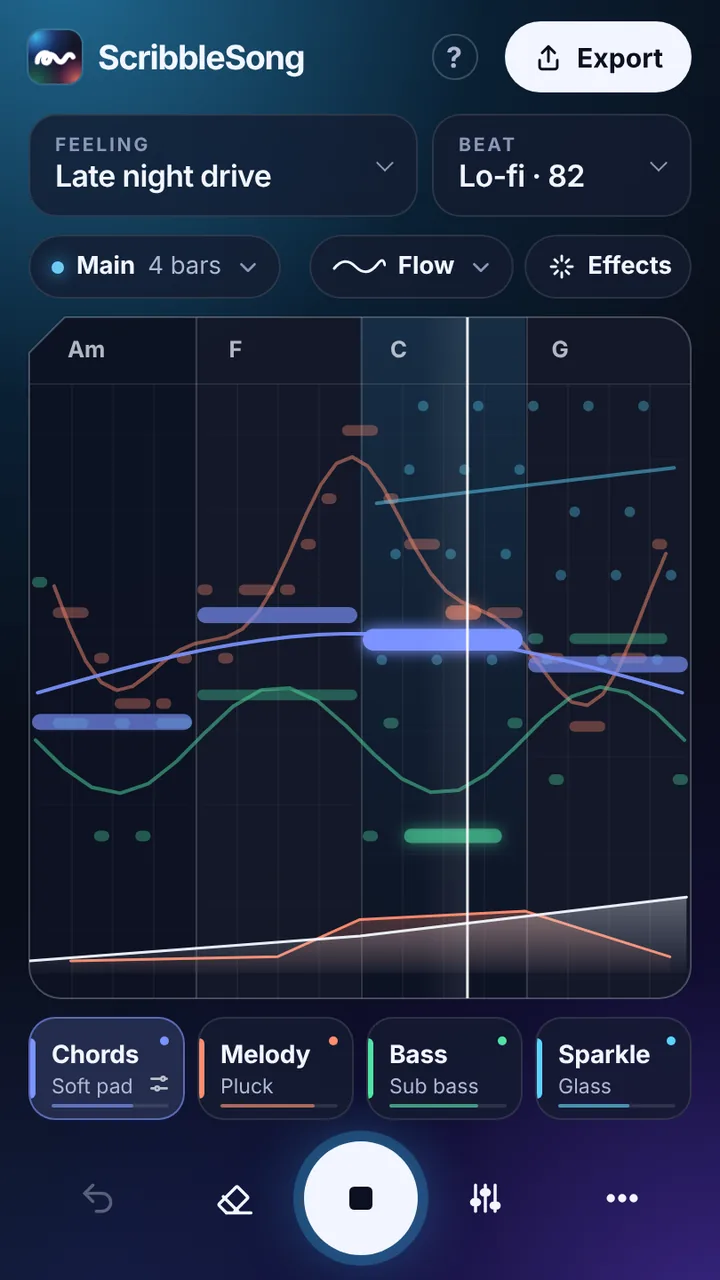
Draw on each layer.Tap a layer under the canvas, then draw. Higher lines play higher. Tap for a single note.
Choose a rhythm.Flow follows your line. Steady, Bouncy, Fast and Rolling set a pulse. Press and hold a line to change its rhythm later.
Move a line.Press and hold a line, then drag it. Sideways moves it to another beat, up or down moves it to higher or lower notes. It stays inside the canvas.
Swap a chord.Tap a chord name at the top of the canvas to try another one that fits.
Build energy.In Effects, tap Beat and draw Energy: low is just kick and snare, high is the full groove. In Song parts, Drum fill at the end leads each part into the next.
Quicker chords.Tap a chord name, then pick a Rhythm at the bottom to split it into two, three or four chords. Great for songs where the chords change mid-bar.
Add effects.Tap Effects, pick Space, Echo, Brightness or Fade, and draw where it should happen. Higher means more. Tap Beat to fade the beat in, or pull it out right before a drop.
Build a song.Tap Main to add an intro, a bridge or an outro. Each one plays its part on its own: the intro builds in, the bridge lifts, the outro winds down. Rounds set how many times Main and Bridge repeat.
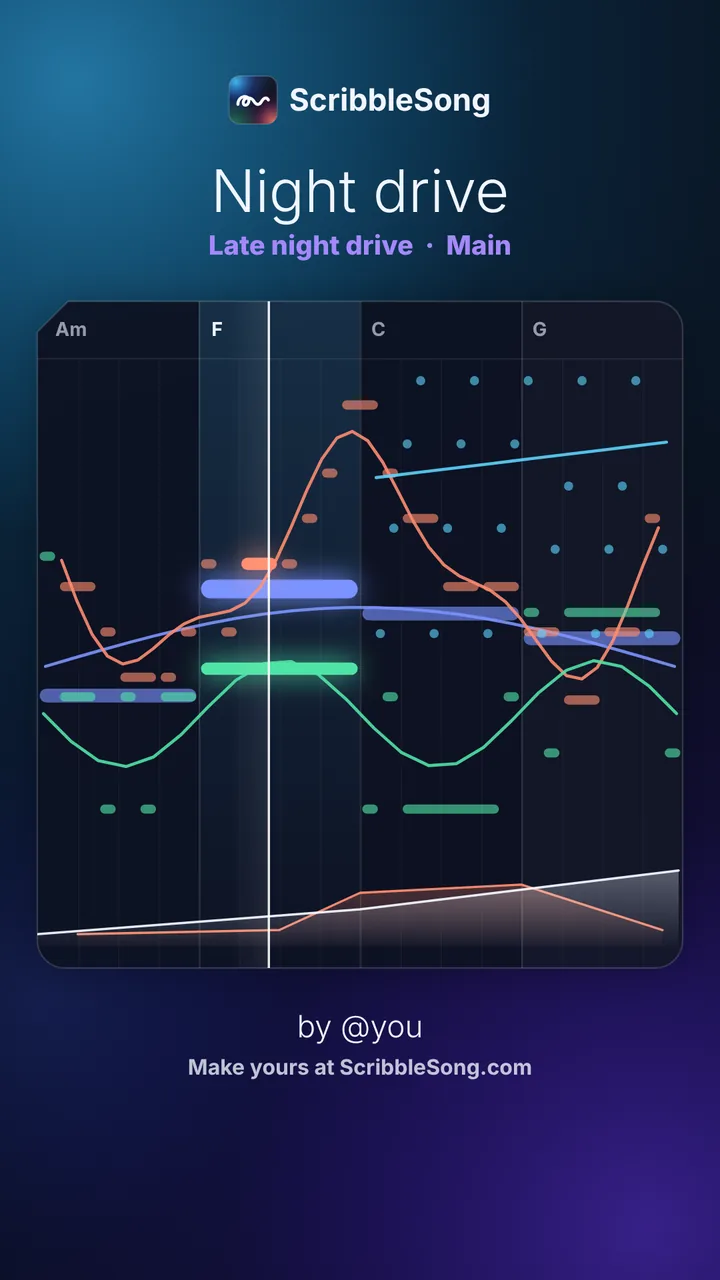
Exporta video or an MP3, or copy a link that opens your song.
No song means more than your own.
Not a musician? You don’t need to be. Pick a feeling, draw a few lines, and get a song that fits.
Phones on silent mute the sound. Flip the switch and turn it up.
Pick a feeling
Each feeling is a set of chords. Everything you draw follows them, so nothing sounds wrong.
Draw your layers
Chords, melody, bass and sparkle. Higher lines play higher notes. Smooth lines flow, jagged lines go choppy.
Shape it
Swap a chord, set a rhythm for any line, add an intro or bridge, and draw effects like echo and space where you want them.
Post it
Export a video or an MP3 for TikTok, Reels or Shorts, or send a link that opens your song. Your songs stay on your device.
How do you want to start?
Tip: add it to your Home Screen first. Tap Share , then Add to Home Screen. It opens full screen, like an app. Songs stay where you make them, so do it before you start.
Open this in your browser.
Turn your phone uprightScribbleSong is made for portrait.
Sound on
Phones on silent mute ScribbleSong. Flip off silent mode and turn the volume up.
 DrawUntitled song